Your data is valuable — to you and to cybercriminals. Every day, your information travels across the internet: your logins, your files, your personal details. Protecting that data is one of the most important things you can do. The good news: protecting your data is mostly about a handful of good habits, not technical expertise.
We've covered many security topics throughout this site; this guide brings together the key habits for protecting your data online.
What we'll cover
The foundation of data protection Protect your accounts Protect your devices Safe online behaviorThe foundation of data protection
These are the fundamentals of protecting your data:
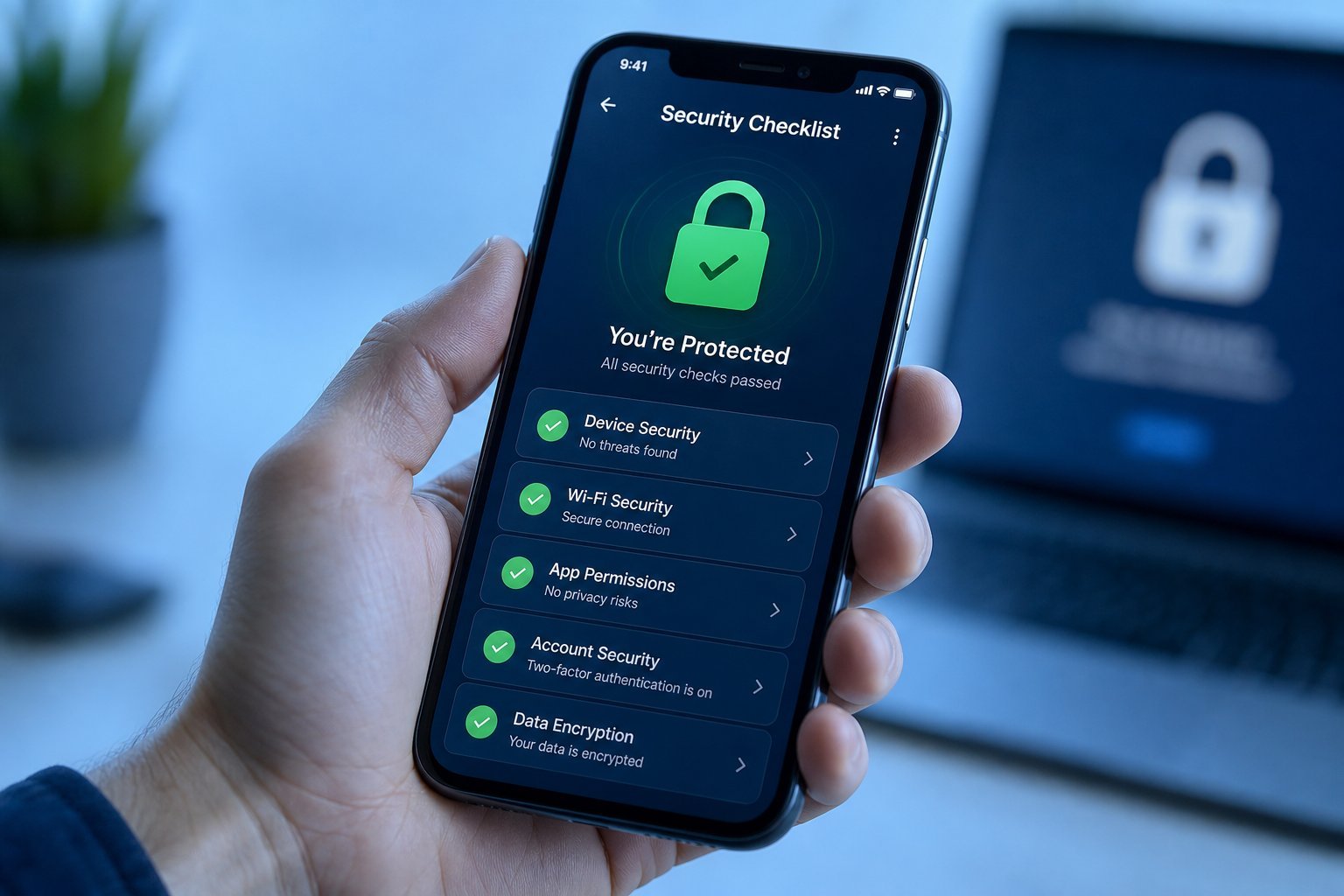
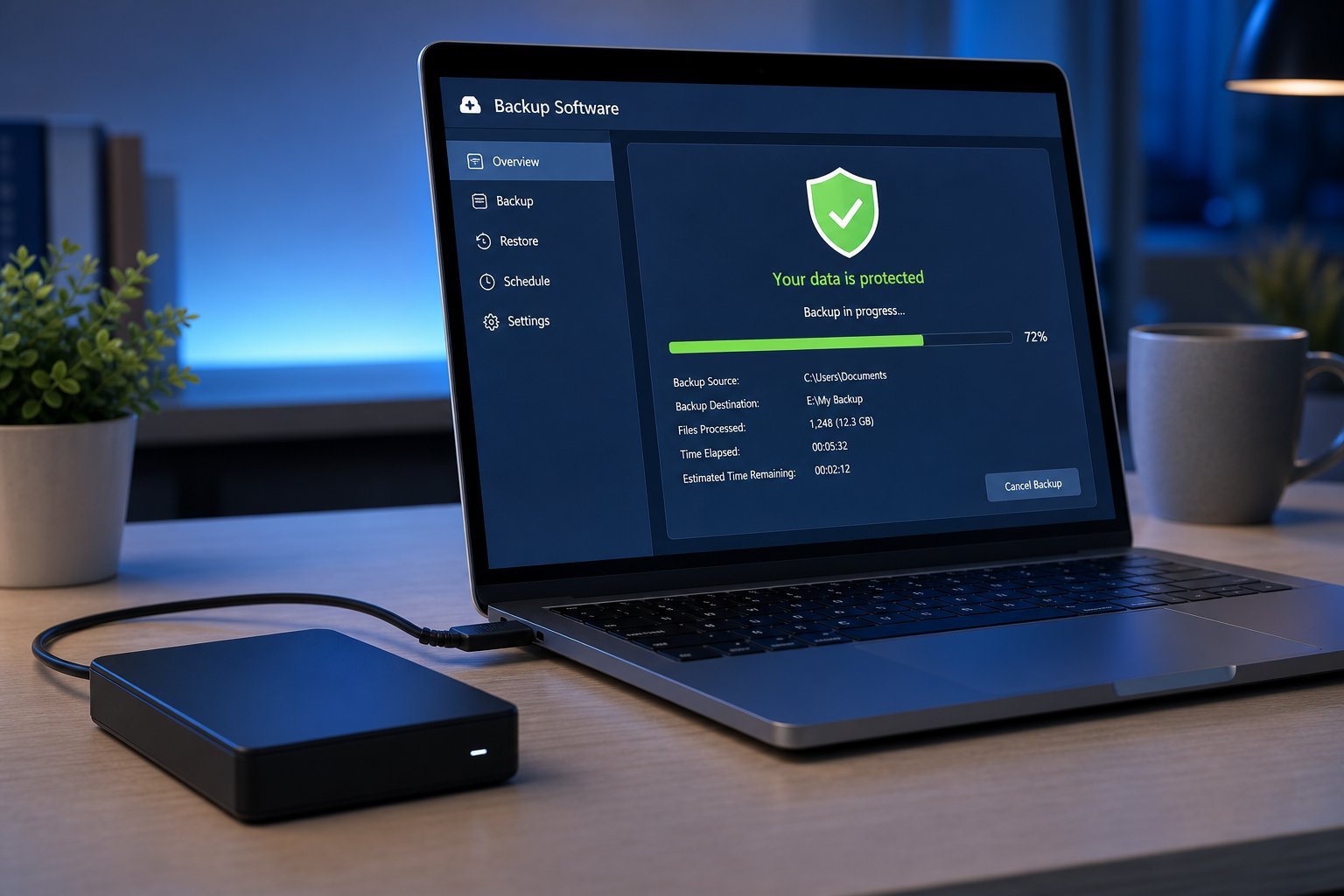
Strong unique passwords, 2FA, updates and backups are the foundation of data protection. These four habits cover the most important ground (see our checklist).
Protect your accounts
Your accounts hold your data — protect them:
Protect your accounts — especially email — with unique passwords, 2FA and careful app access. A protected account keeps its data safe.
Protect your devices
Your devices hold your data — protect them too:
Locked, updated, secure devices protect the data they hold. Device security is a key layer of data protection.
Safe online behavior
Your behavior online is the final — and often most important — layer:
✨ The "stop and think" habit
The most powerful data-protection habit is simply stopping to think before you act — before clicking a link, sharing info, or entering data. Ask "is this legitimate? do they need this?" A moment of caution prevents most data loss. Combine it with passwords, 2FA, updates and backups, and your data is well protected.
📌 Bottom line
Protect your data online with a foundation of strong unique passwords, two-factor authentication, updates and backups. Protect your accounts (especially email), your devices (locks, find-my-device, secure network), and your behavior online (think before you click, don't overshare, use secure connections). These habits — password manager, 2FA, updates, backups and caution — together keep your data safe.