๐Ÿ HighTechBee โ€” practical tech help, in plain English.
โœ๏ธ Write for us ๐Ÿ“ฉ Contact โ˜€๏ธ โ— Updated daily

Useful Mobile Apps: The Everyday Essentials Worth Having

NP
Nina PatelProductivity & apps writer ยท HighTechBee Editorial
Useful Mobile Apps: The Everyday Essentials Worth Having

Your phone can do an incredible amount โ€” but most people only use a handful of apps and never discover the genuinely useful ones. There are apps that save money, manage your life, keep you safe, and make everyday tasks easier. A few well-chosen apps can genuinely improve your daily routine.

This guide highlights practical, useful apps across a few key categories โ€” without overwhelming you with a hundred options.

Everyday life apps

These apps make daily life easier:

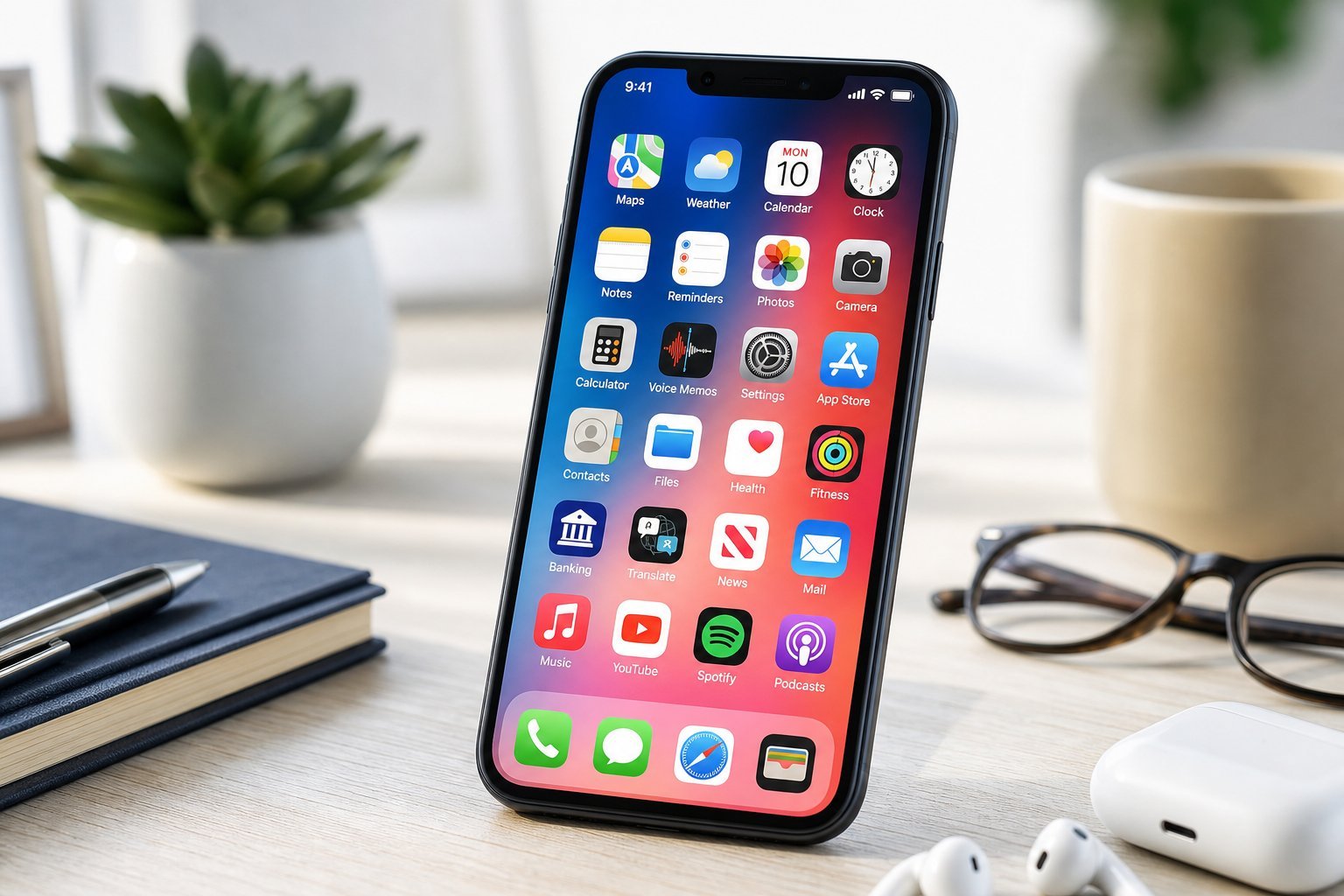
  • Navigation. Google Maps or a similar app for directions, traffic and finding places.
  • Weather. A reliable weather app for forecasts and alerts.
  • Mobile banking. Your bank's app for checking balances and paying bills (see our banking guide).
  • Ride-hailing / transit. For getting around.
  • Language translation. Google Translate for translating text and conversations.
  • Health. Your phone's health app for tracking activity.
  • These cover the basics of everyday life โ€” getting around, staying informed, managing money and staying healthy.

    Productivity apps

    Apps that help you get things done:

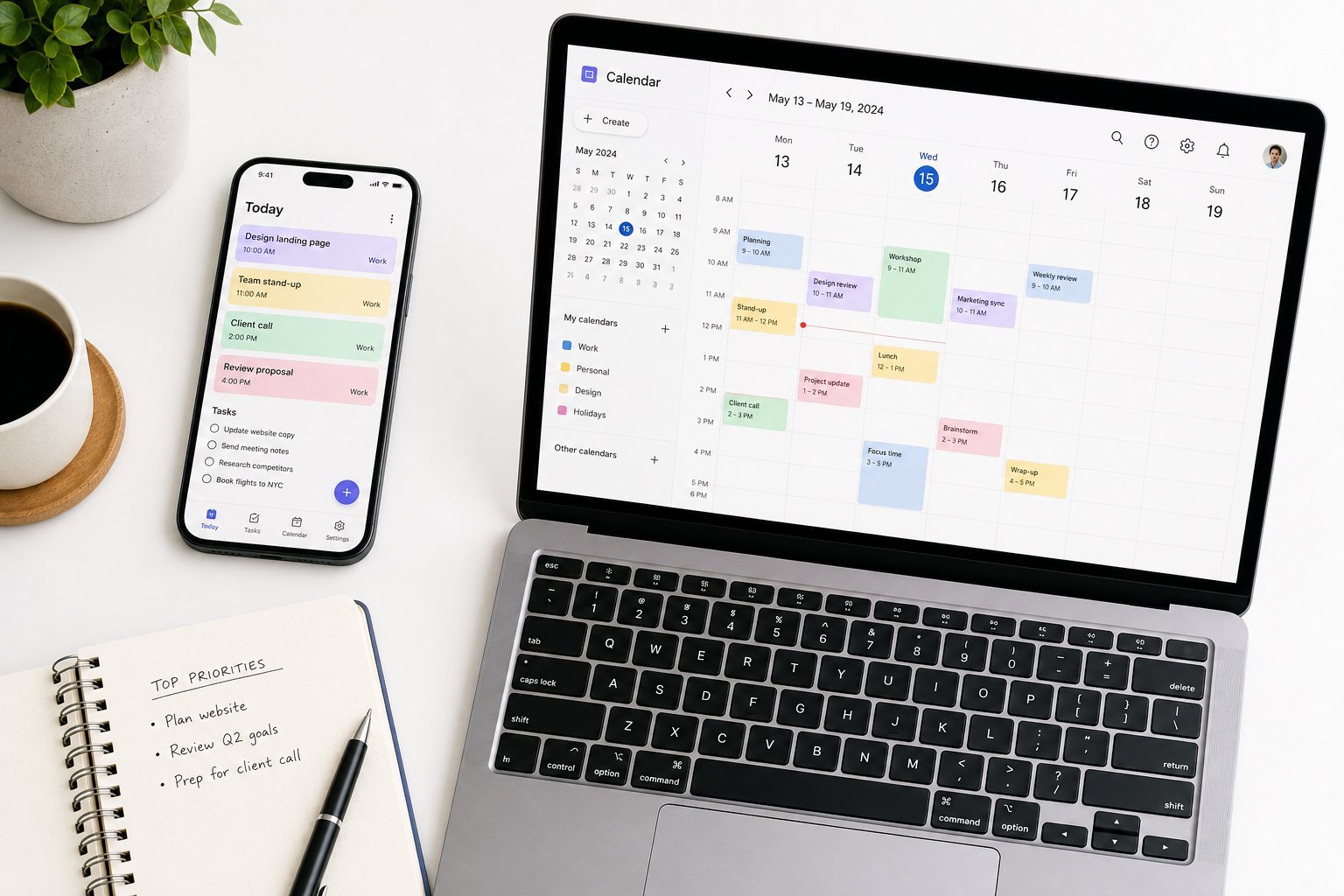
  • Notes. A good notes app for capturing ideas (see our guide).
  • To-do / tasks. A task manager for tracking what needs doing.
  • Cloud storage. Access your files anywhere (see our guide).
  • Scanning. A document scanner app turns your camera into a scanner for documents and receipts.
  • Password manager. Securely manage your passwords (see our guide).
  • A small set of productivity apps โ€” notes, tasks, storage, scanning, passwords โ€” covers most people's organization needs.

    Safety & privacy apps

    Apps that keep you safe and private:

  • A password manager (see our guide) โ€” essential for security.
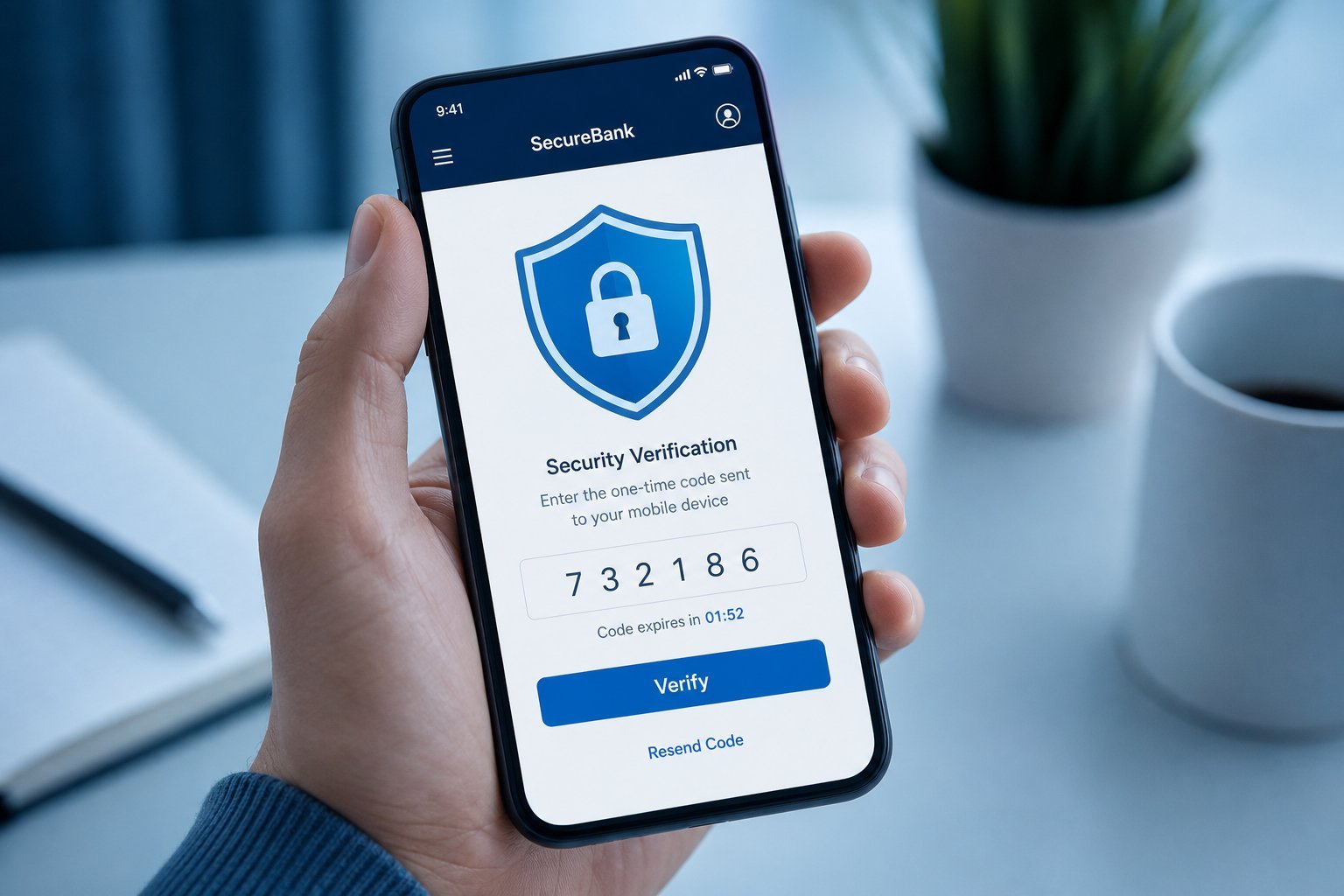
  • Two-factor authentication app (like Google Authenticator) for secure logins (see our 2FA guide).
  • A VPN if you use public Wi-Fi (see our VPN guide).
  • Family locator or emergency apps, if they suit your needs.
  • Your phone's built-in security tools โ€” find my device, etc.
  • Prioritize a password manager and a 2FA app โ€” they're the most valuable safety apps for most people.

    How to pick good apps

    With millions of apps, here's how to choose good ones:

  • Check ratings and reviews. High ratings from many users are a good signal.
  • Prefer reputable developers. Apps from established, well-known companies are safer.
  • Be cautious with permissions. Only grant apps the permissions they genuinely need (see our privacy guide).
  • Watch for in-app purchases. Some "free" apps push paid features (see our monetization guide).
  • Don't install too many. A few good apps you use beat a hundred you don't.
  • โœจ Download from official stores only

    Always download apps from your device's official app store (App Store or Google Play). Apps from other sources can contain malware or copycats. Sticking to official stores is one of the simplest safety habits for your phone.

    ๐Ÿ“Œ Bottom line

    A few well-chosen apps genuinely improve daily life. Cover the essentials: navigation, weather, banking, translation and health. Add productivity apps (notes, tasks, storage, scanning, passwords) and safety apps (a password manager and 2FA app). Choose apps from reputable developers, check ratings, be cautious with permissions and in-app purchases, and stick to official app stores. Don't overload your phone โ€” a handful of useful apps beats a hundred you never open.
    #apps#mobile#essential#productivity#utility
    NP

    Nina Patel

    Productivity & apps writer

    Part of the HighTechBee editorial team. Nina Patel writes practical, beginner-friendly tech guides that solve real everyday problems.